Spot hidden outages
Automated availability checks and supported fault alerts can flag an offline device or recording issue that might otherwise go unnoticed.

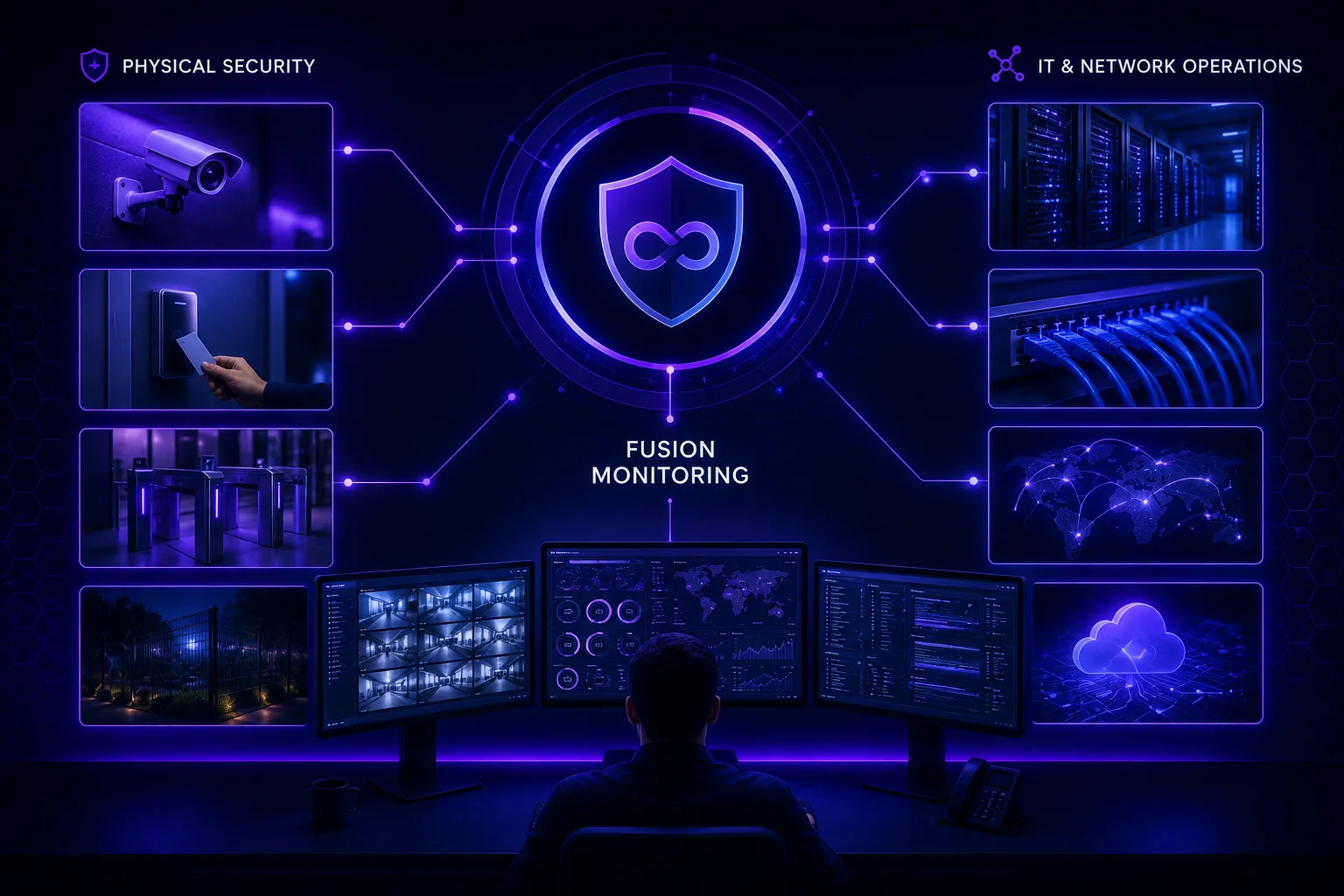
A camera can depend on a network switch. A door controller can depend on a working connection. Remote access to your home can depend on your internet service. When one part develops a fault, other services may be affected too.
Fusion Monitoring brings supported network, video and access-control health checks together with coordinated technical support. Its purpose is to help identify technical faults, understand their impact and organize the next steps through one provider.
Automated availability checks and supported fault alerts can flag an offline device or recording issue that might otherwise go unnoticed.
We review affected systems together. For example, several offline cameras may point to a shared network or power issue that needs investigation.
Technical alerts, a defined contact list and health reports help turn an identified problem into troubleshooting, a repair recommendation or a planned improvement.
Offices, shops and other commercial properties rely on connected equipment throughout the day. Fusion Monitoring gives you a clearer picture of supported system health and one point of contact when technology and security issues overlap.
Smart security, cameras and home automation rely on working devices and connections. We help homeowners review compatible equipment and choose residential protection with appropriate technology support.
Explore Gateway Fusion Home Protection™ on our Smart Home page for residential inclusions and pricing.
Explore residential protection plansBusiness and residential packages have different inclusions. Supported equipment, integrations, health checks, notifications and response commitments are confirmed during assessment and in your service agreement.
Fusion system health monitoring focuses on the condition and connectivity of covered equipment. Professional alarm monitoring, emergency dispatch, live video guarding and cybersecurity threat detection are distinct services that we can discuss as part of your overall protection needs.
Automated monitoring runs according to the configured checks and depends on connectivity and supported integrations. Staffed alert review, response times, remote support and onsite service follow your agreement.
Build your Fusion Monitoring solutionKeep an eye on the systems your business relies on. Gateway Dynamics brings network, video and access-control health monitoring together with practical remote support and clear monthly pricing.
Availability alerts for up to 10 network devices, including compatible routers, firewalls, switches, wireless access points and network-connected UPS units. Track internet connectivity and supported device performance indicators.
Monitor connectivity for up to 4 cameras and 1 recorder or video management server. Check recording service status and storage health where supported, helping identify gaps before you need footage.
Monitor controller connectivity and supported fault conditions for up to 2 controlled doors. Coordinate troubleshooting of offline controllers, reader issues and system communications.
Configure technical alerts and an escalation contact list. Gateway Dynamics provides one point of contact across your network, video and access-control systems, with 24/7 access to emergency technical support.
Includes 1 hour of scheduled remote support per month for covered systems, such as diagnostics, supported remote restarts and configuration assistance. Unused time does not roll over; additional labor is quoted separately.
Receive a monthly system health summary with identified issues and recommended actions, plus a quarterly remote review of your covered systems and escalation contacts.
Add covered devices to your base plan at straightforward monthly rates.
Example: A location with 10 network devices, 8 cameras, 1 recorder and 4 controlled doors starts at $479/month ($399 base + $40 for 4 additional cameras + $40 for 2 additional doors), plus onboarding.
This plan covers automated system health monitoring and technical support. Live video guarding, alarm monitoring and emergency dispatch, 24/7 staffed alert review, cybersecurity threat detection, workstation support and backup services can be quoted separately. Hardware, installation, third-party licenses, cloud recording/storage, onsite visits and labor beyond the included hour are separate costs.
Final pricing, response commitments, billing and cancellation terms are set in your written service agreement. Monitoring depends on connectivity and supported integrations; it does not guarantee that every fault or security event will be detected. Applicable taxes are additional.
Tell us about your location and existing systems. We’ll build your Fusion Monitoring quote.
Tell us about your property, network and security equipment. We’ll help you select business or residential coverage and explain what will be monitored.
Discuss your propertyIf an alarm signals an emergency, prioritize personal safety and call 911 when appropriate. Contact Gateway Dynamics for technical assistance after immediate safety needs are addressed.
Visit the knowledge base