Manage people & credentials
Add users, assign access permissions and revoke credentials when staffing changes.

First Door Included!
Our Alarm.com access control installations use Mercury MR52 boards, also known as the ADC-AC-MR52 Two Reader Expansion Module, to connect door readers and locking equipment to the system.
Think of the MR52 as the connection point for the equipment at your doors. It works with a compatible Alarm.com Mercury Series door controller, which links the access control system to your Alarm.com management account.
The MR52 is an expansion module; it needs a compatible controller and an enabled access control service. Gateway Dynamics checks your existing equipment and designs the right configuration for your property.
Use the Alarm.com website or mobile app to manage your enabled access control system alongside compatible security services.
Add users, assign access permissions and revoke credentials when staffing changes.
Choose when people can enter and configure door schedules around your business hours.
Allow an authorized visitor through a connected door from the Alarm.com website or app.
Check access event history to understand who entered and when.
Configure notifications for supported events, such as a door being left open.
Coordinate access events with compatible Alarm.com intrusion and video services.
Features depend on your service plan, installed hardware, connectivity and configuration. Existing Alarm.com accounts may need access control service activation; Gateway Dynamics will confirm compatibility before installation.
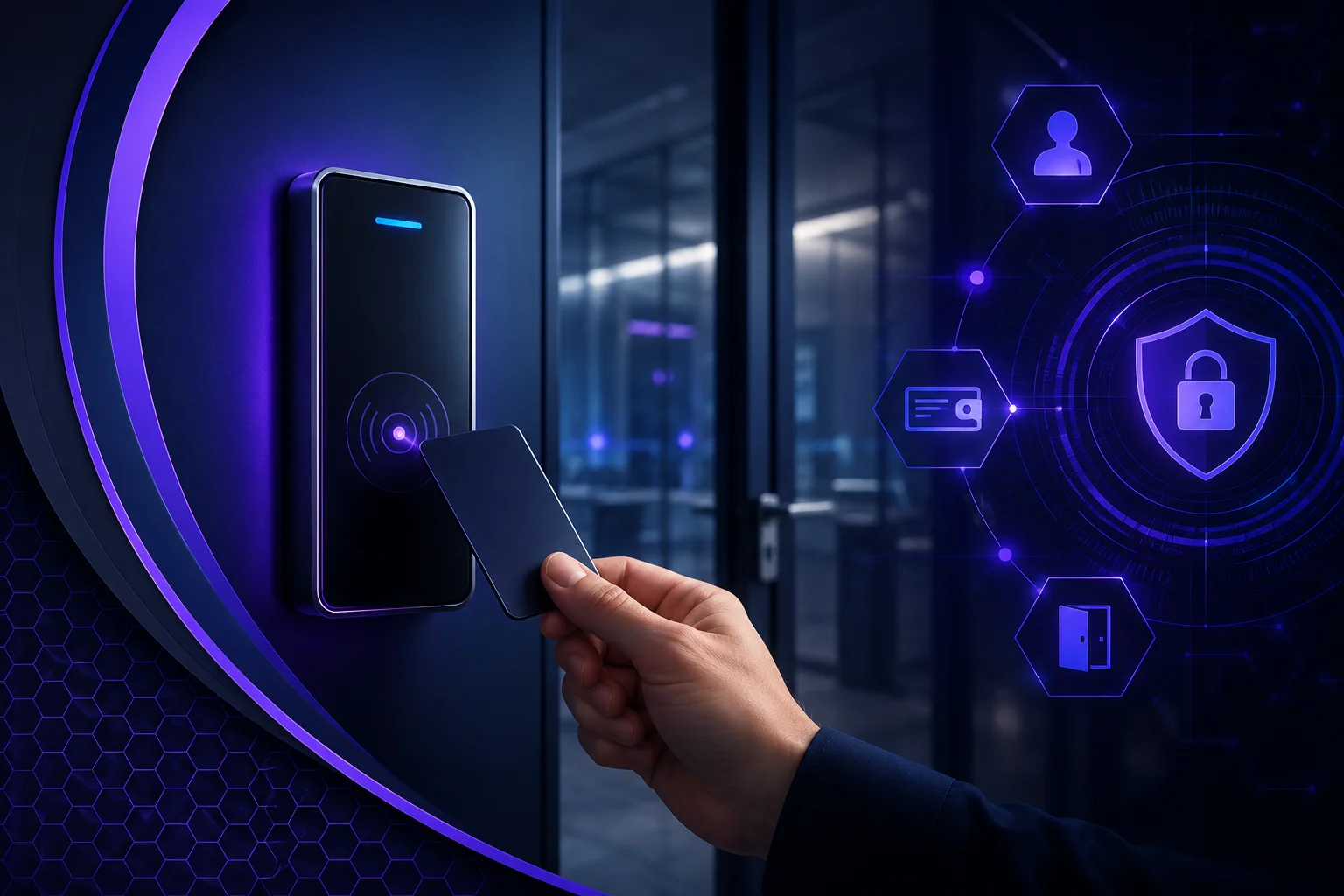
Secure doors, manage credentials and understand who is entering your property with integrated electronic access control.
Tell us about your doors, existing readers and Alarm.com account. We’ll review compatibility and discuss installation, integration and support options.
Discuss your projectFor a rejected access credential, confirm you are using the assigned card and an authorized entry time. Contact your site administrator; do not force the door or bypass the reader.
Visit the knowledge base